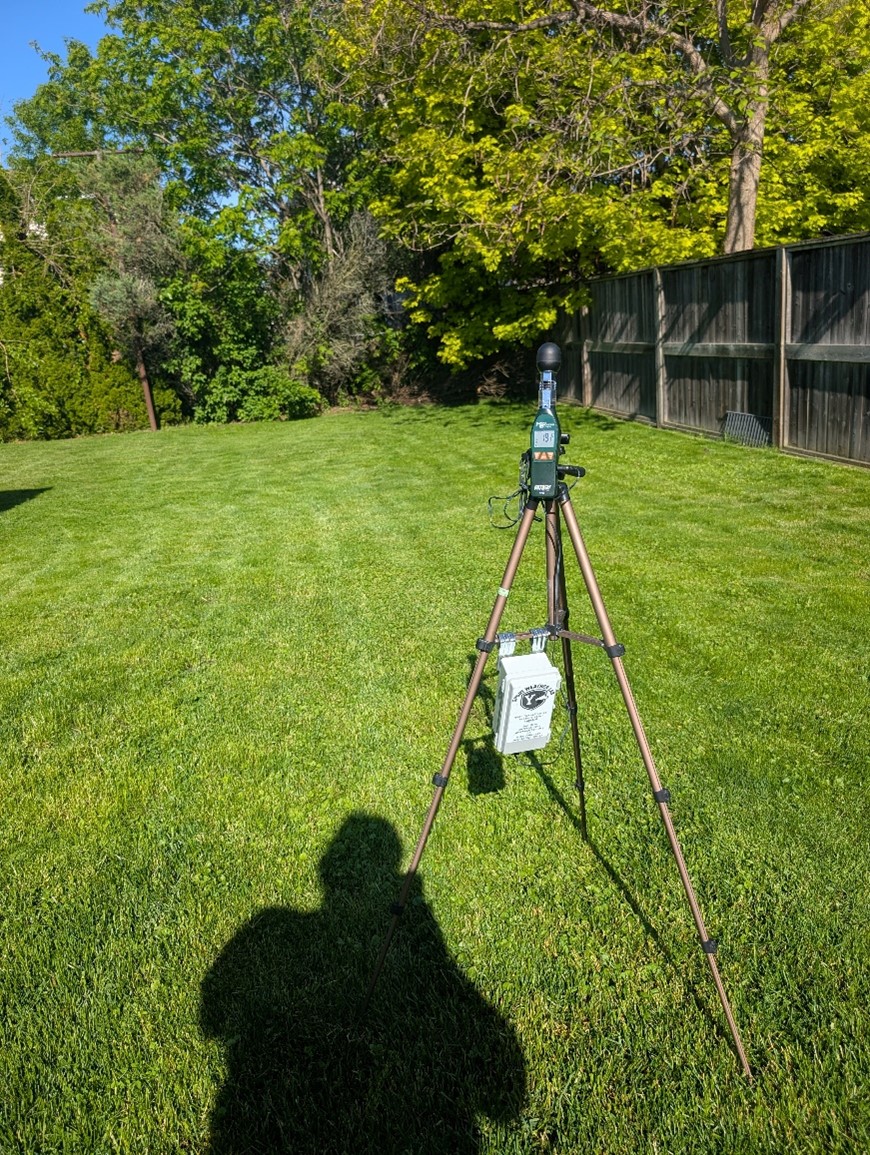
HT30 Data Collection Manual
Step 1 open the two latches on the side of the case.
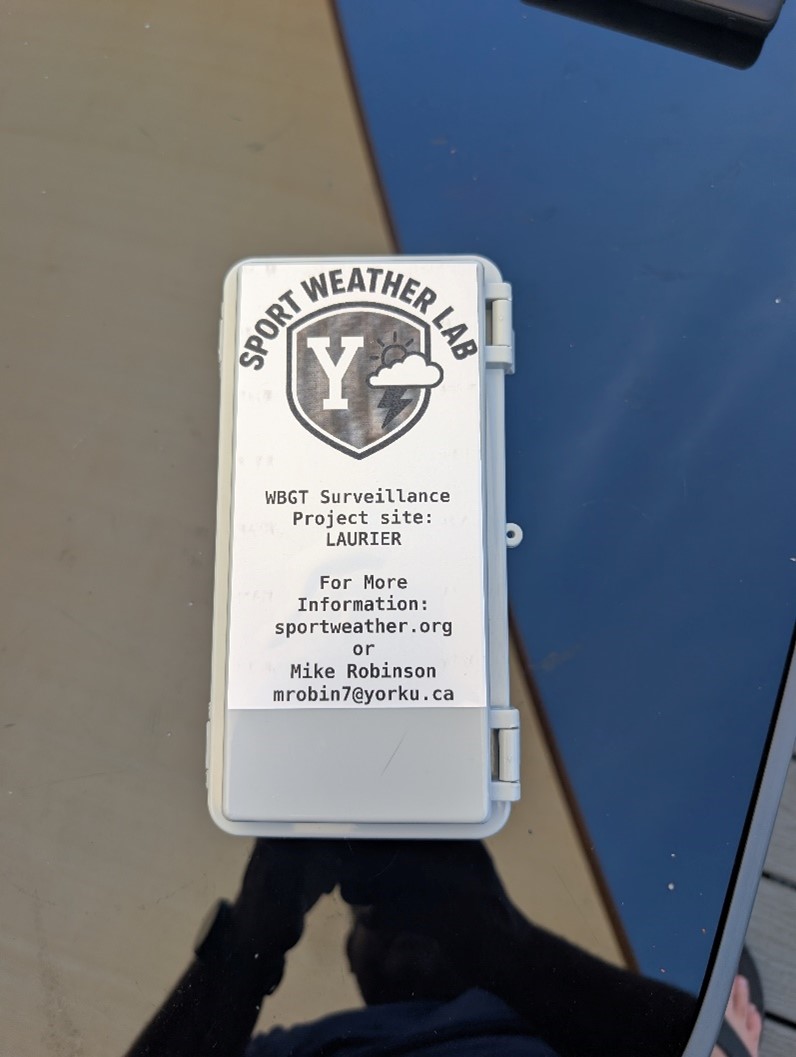 Step 2 Plug the USB cable into USB port (one of the ports will be blocked with tape – this port is not useable)
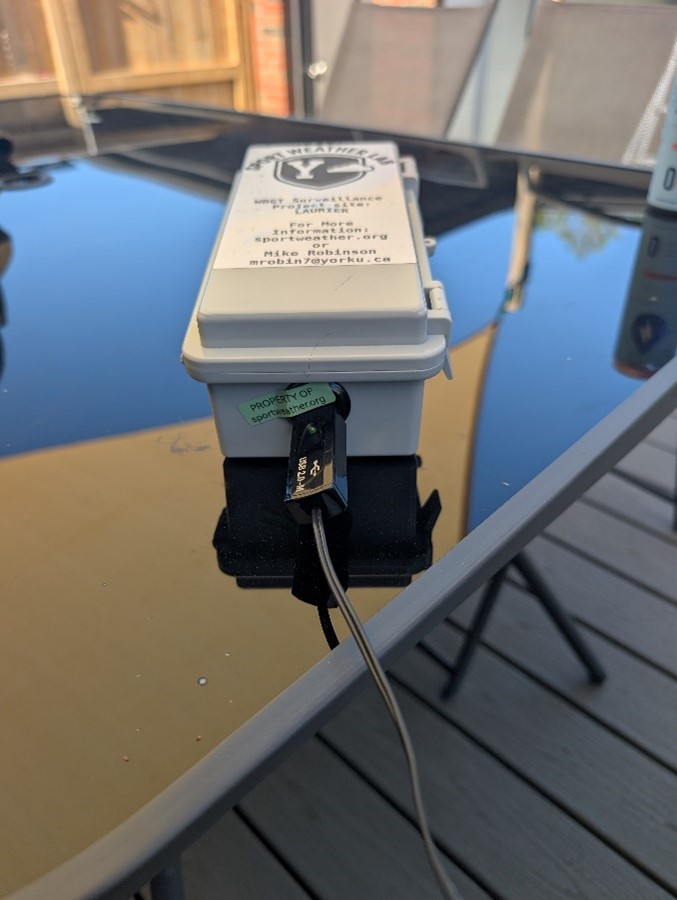 Step 3 Plug the charged USB battery in and secure it on the Velcro.
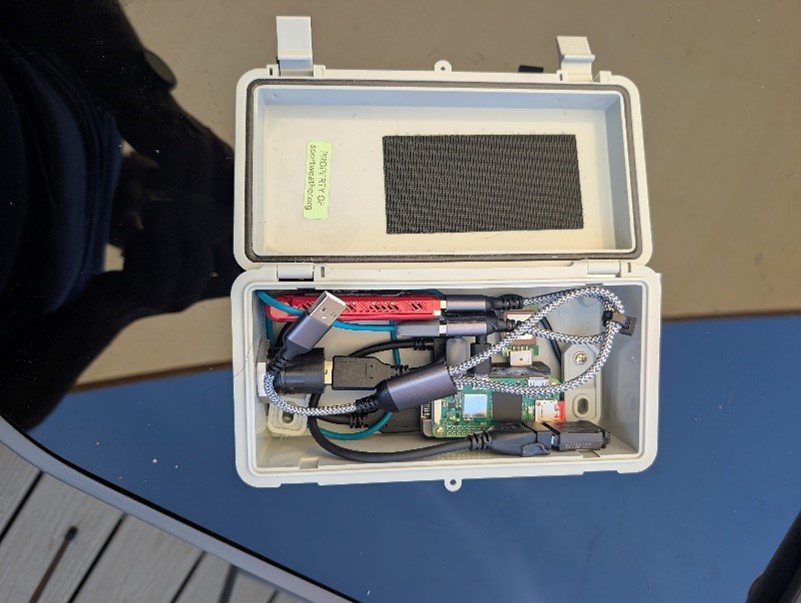
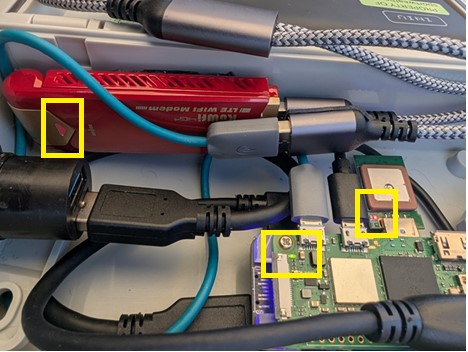
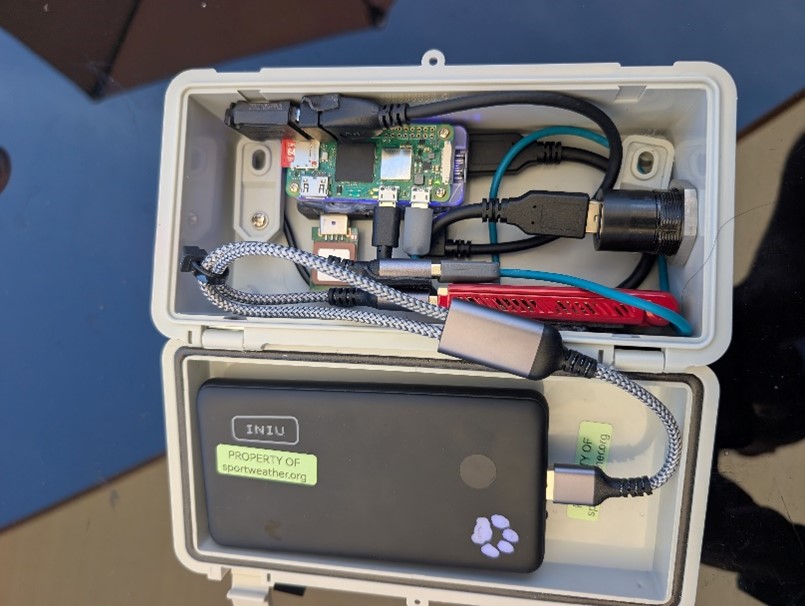 Step 4 Verify that the 3 lights are turned on.
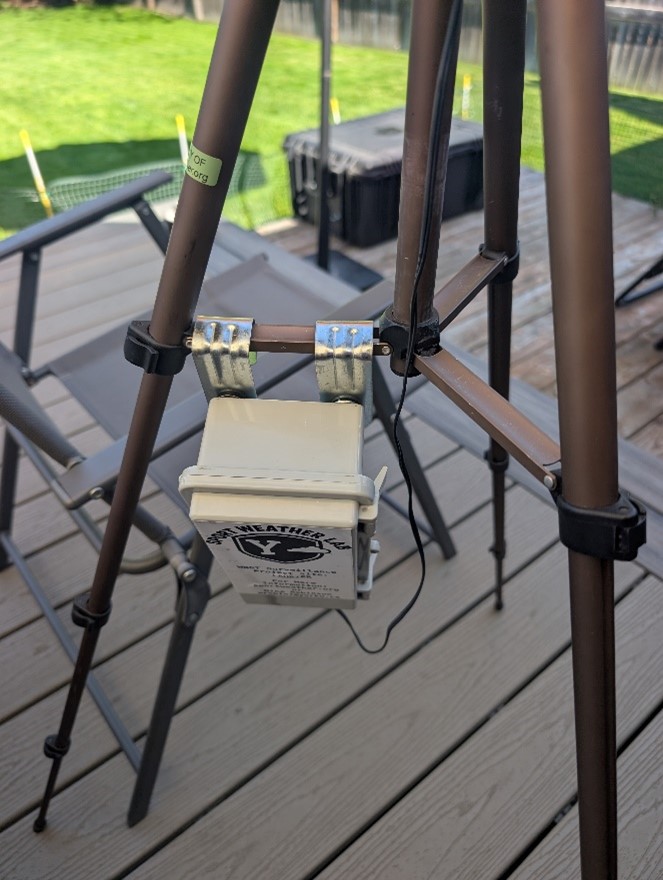
Step 5 Secure the data logger on to the tripod (it can be left here and does not need to be removed)
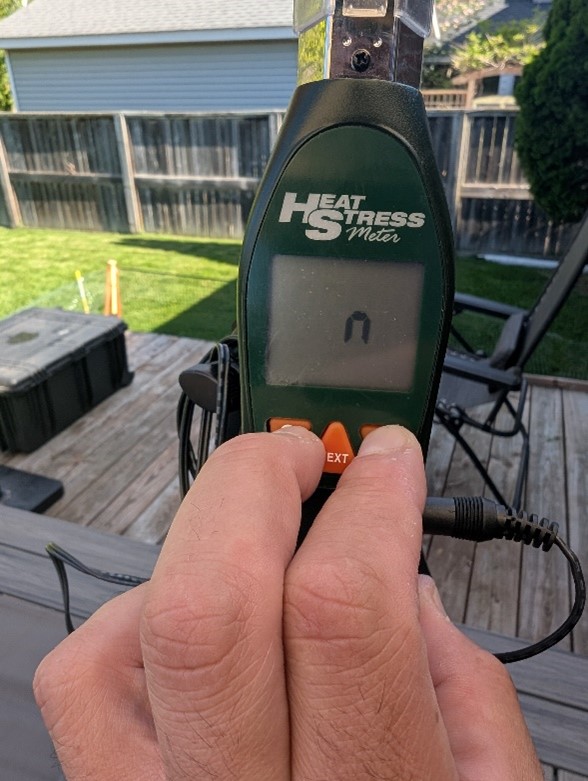
Step 6 Turn the HT30 WBGT Heat Stress Meter on by holding the two outside buttons until the letter n is displayed on screen.
Step 7 Ensure the protective sleeve is secured in the bottom position.
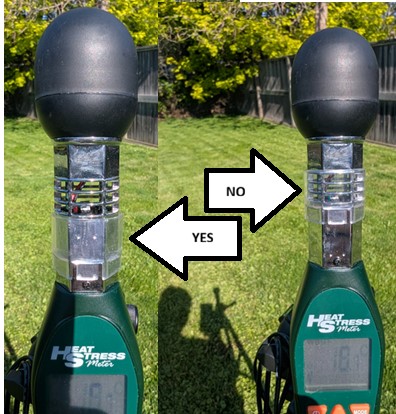 Step 8 Set the entire unit, on the same surface as the one being used (i.e. ideally setup on turf if sport is being played on turf), in the direct sun without any potential shade.